
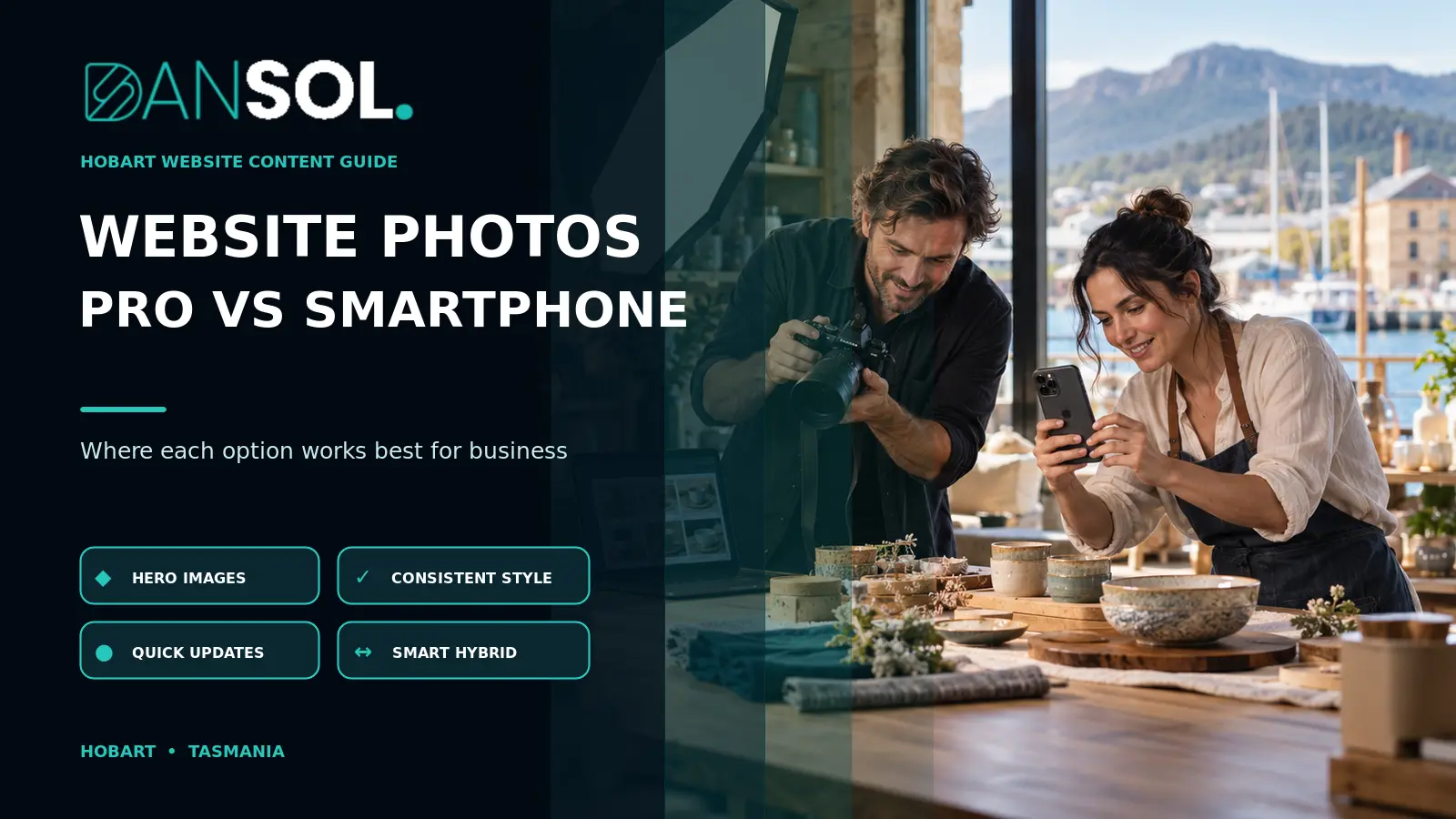
Professional vs Smartphone Website Photos: A Hobart Business Guide
Most Hobart businesses do not need a professional photographer for every website image, but they should invest in professional photography for the images that carry the most trust and commercial weight. A practical approach is to commission a planned set of hero images, team portraits, premises, signature products or completed work, then use well-shot smartphone photos for regular updates, news and lower-risk supporting content.
The better choice depends less on the camera and more on the job the image must do. A current phone in good light can produce a useful staff update or project photo. It is less reliable when the business needs a consistent image library, controlled lighting, difficult interiors, high-end product detail or photographs that must work across a website, signage and print.
Professional photography vs smartphone photos at a glance
| Consideration | Professional photography | Smartphone photography |
|---|---|---|
| Best use | Hero images, brand library, portraits, products, interiors and major campaigns | Updates, behind-the-scenes content, simple projects and time-sensitive posts |
| Planning | Shot list, lighting, styling, composition and intended crops planned together | Faster and flexible, but quality depends on the person taking the photo |
| Consistency | More consistent colour, framing and visual style across a full set | Can vary between staff, devices, locations and lighting conditions |
| Difficult conditions | Better control of low light, reflections, movement and mixed indoor lighting | Automatic processing may struggle or produce an artificial result |
| Turnaround | Requires booking, preparation, selection and editing | Can be captured and published quickly |
| Cost | Upfront professional fee plus any styling, talent or location costs | Low additional equipment cost when the business already owns a suitable phone |
| Reuse | Can be planned for website, social, proposals, advertising and print | Often created for one immediate purpose |
Neither column is automatically better. The useful question is whether the image quality, consistency and rights are appropriate for the page, the audience and the lifespan of the content.
When smartphone photos are good enough for a business website
A smartphone can be the sensible choice when the business needs authenticity, speed and regular updates more than a polished campaign library. Modern phones can capture detailed files, stabilise exposure and produce strong results in controlled conditions.
Current projects and completed work
A builder, landscaper, mechanic or installer may need to show recent work every week. A phone photo taken square to the subject in even daylight can document progress credibly. The business can reserve professional photography for its flagship projects while maintaining a current portfolio with staff images.
Behind-the-scenes content
Informal images of a team setting up an event, preparing an order or testing a product can feel more immediate than a formal shoot. They are useful on news pages and in supporting sections where the audience expects an honest glimpse of the process.
Short-lived or seasonal information
A temporary display, seasonal menu, event announcement or staff milestone may not justify a full shoot. Speed matters, and the image may be removed after a few weeks. The phone still needs good light, a clean background and permission from recognisable people.
Simple objects in controlled light
Flat items, small products and documents can photograph well on a phone when the background is neutral, light is soft and the camera is held steady. Avoid digital zoom. Move closer, keep the lens clean and leave enough space for the website crop.
When professional photography earns its place
Professional photography is easiest to justify when the image will represent the business for a long time, influence a high-value decision or appear in several formats. The service is not only access to a different camera. It includes planning, lighting, composition, direction, colour consistency, editing and delivery of a usable set.
Homepage and service-page hero images
The main image often sets the first impression before a visitor reads the copy. It may need to work on a wide desktop, a narrow phone and a social preview. A photographer can leave intentional space for headings, protect faces and important details from cropping, and create several orientations rather than forcing one file into every placement.
Team portraits and personal services
For consultants, health providers, accommodation operators, trades and professional services, visitors may want to see the people they will meet. Consistent portraits are difficult to assemble over time when every staff member supplies a different selfie. A planned setup gives the team a recognisable visual style while still allowing natural expressions.
Food, products and reflective objects
Food, jewellery, glass, polished equipment and detailed products are sensitive to light, colour and reflections. Automatic phone processing can over-sharpen texture, change colour or make mixed lighting look unnatural. A professional setup gives more control and can produce a repeatable template for future products.
Interiors, accommodation and property
Small rooms, windows, dark corners and mixed colour temperatures are difficult. A phone may make the space look wider than it feels or expose the window while leaving the room dull. Professional composition and lighting can present the real space clearly without creating a misleading impression.
Campaigns and printed material
An image that looks acceptable in a small mobile card may not hold up on a shop sign, brochure cover, display or large screen. If photography must support both digital and print work, include those outputs in the brief. DanSol’s graphic design brief checklist for Hobart businesses explains how to specify sizes, formats, versions and production requirements before creative work begins.
The strongest option is often a hybrid image library
A hybrid approach gives a small business a reliable foundation without making every content update dependent on a photographer. Start with a professional shoot that covers the high-value pages, then create a simple phone-photography process for ongoing content.
A useful professional foundation may include:
- two or three wide homepage and section images with safe space for text;
- individual and group team photographs;
- the premises, vehicles or customer-facing environment;
- the main service being performed rather than staged handshakes;
- signature products, dishes or finished work;
- vertical and horizontal variations for different placements;
- detail images that can break up long service pages; and
- a small set of neutral backgrounds or textures for campaigns.
Staff can then add current work, events, new products and behind-the-scenes moments using an agreed phone checklist. The professional set keeps the main website coherent; the phone images keep it current.
Plan the photography around the website, not after it
Photography should be part of the content plan, not a last-minute folder handed to the designer. DanSol’s website design brief checklist recommends identifying whether suitable copy and images already exist, who will create them and which pages need them.
Map every important page to an image purpose
Do not begin with “we need 30 photos”. Begin with the customer questions and page actions. A service page may need one wide context image and three real process details. An about page may need the team and the workplace. A case study needs before, during and completed-work evidence. A contact page may benefit from a recognisable entrance or reception area.
Create a crop-aware shot list
For each priority image, record the page, subject, orientation and space required for text. Ask for wider framing than the final crop so the website can adapt across devices. Keep important faces, products and signs away from the extreme edges.
Prepare the location and people
Remove visual clutter, clean reflective surfaces, check uniforms and identify private information that should not appear on screens, whiteboards or paperwork. Confirm who may be photographed and how the images may be used. If customers, children or private property are involved, obtain appropriate permission before publishing.
Agree on delivery and ownership
The written agreement should explain the supplied file sizes and formats, editing included, delivery date, permitted uses, attribution requirements and any limits on future editing or advertising. Do not assume paying for a shoot automatically transfers every copyright or usage right. Obtain advice if the intended use is unusual or commercially significant.
A practical smartphone photo checklist
- Clean the lens. A fingerprint can make an otherwise good image hazy.
- Use the main rear camera. Avoid digital zoom and low-resolution screenshots.
- Find soft, even light. Window light or open shade is usually easier than harsh midday sun or mixed indoor lighting.
- Clear the background. Remove bins, cables, paperwork and unrelated signage.
- Hold the phone level. Check that walls, doors and product edges are not leaning unintentionally.
- Take wide and close variations. Leave room for website crops and capture useful details separately.
- Keep the original file. Do not send the only copy through an app that heavily compresses it.
- Check faces, hands and text. Look for closed eyes, awkward gestures, reversed signs and private information.
- Record permission. Know who approved the image and where it can be used.
- Choose only the strongest images. A smaller consistent set is more useful than dozens of near-duplicates.
Prepare images properly for the website
High-resolution originals should not be uploaded unchanged merely because they look sharp. Large files can slow pages and consume mobile data. The website should create appropriately sized versions, preserve useful quality and use a modern format where the platform supports it.
Google’s image SEO guidance recommends high-quality images near relevant text, descriptive filenames and useful alternative text. Those practices help search systems understand the image in context, but they do not guarantee image rankings.
Use descriptive filenames
Rename files before upload using a short description, such as hobart-cafe-team-coffee-service.webp, rather than IMG_8472.jpg. Do not force keywords into every filename or create misleading descriptions.
Write alternative text for the image’s purpose
Alternative text should communicate the useful information or function of an image. The W3C’s image accessibility tutorial distinguishes informative images from decorative images. A meaningful team photo may need concise alt text; a purely decorative texture should normally use an empty alternative so assistive technology can ignore it.
Alternative text is not a place for a paragraph of marketing keywords. Describe what matters in the page context. DanSol’s website accessibility audit guide for Hobart businesses explains why automated checks alone cannot judge every image, label or content decision.
Test the final crop on a phone
A technically good source can fail in the final design when a face disappears behind a heading or a product is cut off on a narrow screen. Review the live page at representative widths, check the social-sharing image, and confirm that important information is not embedded only inside the photograph.
Hobart examples: what should each business prioritise?
Tourism and accommodation
Use professional photography for rooms, views, entrances and signature experiences because visitors compare visual details closely. Use staff phone photos for seasonal conditions, events and timely local updates, provided they are accurate and consistent.
Trades and construction
Commission professional images of the team, vehicles, safety practices and two or three showcase projects. Use a phone for regular before-and-after evidence, but keep the angle and lighting consistent and never show customer details without permission.
Hospitality and retail
Use professional images for the main menu, signature products, interior and campaign material. Phone images can support specials and new stock when lighting and colour are controlled. Avoid mixing heavily filtered social images with accurate product photography on the same sales page.
Professional and personal services
Prioritise consistent portraits, the client environment and natural service interactions. Customers often need to understand who they will meet and what the experience feels like. Replace anonymous stock scenes with real, approved images where practical.
Frequently asked questions
Can smartphone photos look professional on a website?
Yes. A current phone can produce strong website images in good light with deliberate framing, a clean background and careful selection. The limitations become more visible when the business needs difficult lighting, consistent portraits, detailed products, large print use or a complete coordinated library.
How many photos does a small business website need?
There is no fixed number. Plan images around pages and customer questions. A focused service website may need a handful of strong hero and team images plus useful process details, while a store, accommodation site or project portfolio needs a larger and more regularly updated collection.
Should website photos include text?
Avoid placing essential headings, prices or instructions only inside an image. Real HTML text is easier to read, resize, translate, update and access with assistive technology. Text may be part of a logo or campaign graphic, but the page should still communicate the essential message in accessible text.
Are stock photos better than imperfect real photos?
It depends on the purpose. A carefully selected stock image can support a general concept, but it should not pretend to show the business, team or completed work. A credible real image often provides stronger evidence, even when it is less polished. Do not publish a poor, dark or misleading photo merely because it is authentic.
When should photography be organised during a website project?
Plan it during content and page-structure work, then schedule the shoot once the required subjects, crops and formats are clear. Leaving photography until the end can delay launch or force unsuitable images into finished layouts. DanSol’s Hobart web design and development service can include image requirements in the website brief and page plan.
Choose by purpose, then build a reusable image system
The choice is not professional photography or smartphone photography forever. Use professional work where consistency, difficult conditions, long-term reuse and customer trust justify the investment. Use phone photography where speed, authenticity and frequent updates matter.
For many Hobart businesses, the most practical answer is a hybrid library supported by a clear shot list, permission records, descriptive file handling and a simple staff checklist. That produces a website that feels both considered and current without making every new image a major production.